How to Enter the Colorado Primary Draw Online
Applying for Colorado big game tags through the primary draw can feel like trying to solve a complex puzzle, especially when it’s all done online. The Colorado Parks and Wildlife (CPW) website, while functional, isn't always the most intuitive, and the fear of making a costly mistake or missing a critical deadline can be incredibly stressful. This comprehensive guide will walk you through the entire online primary draw application process, ensuring you understand each step to confidently submit your choices.
Getting Your CPW Account Set Up for Success
Before you even think about hunt codes or species, you absolutely need to have your Colorado Parks and Wildlife (CPW) customer account in tip-top shape. This isn't just a formality; it's the digital gateway to every aspect of your hunting and fishing life in the state. Many hunters, especially non-residents or first-timers, find this initial setup to be the first hurdle, and believe me, it’s far better to clear it well in advance of the frantic application deadlines.
Creating or Verifying Your Account Information
If you're brand new to hunting in Colorado, your first step is creating a CPW customer account. This means visiting the official Colorado Parks and Wildlife website and looking for the "Buy and Apply" section. You'll need to input personal details like your name, address, date of birth, and some form of identification. For residents, this is usually a Colorado driver's license. For non-residents, it might be your driver's license from your home state. Ensure every single piece of information is accurate and matches your legal documents. Even a minor typo can cause issues down the line, potentially invalidating your application or delaying your tag delivery.
For those who've hunted in Colorado before, it's just as crucial to log in and verify everything. Addresses change, phone numbers get updated, and sometimes, for reasons unknown, information within the system can become outdated. Take a moment to confirm your contact details are current, especially your email address, as CPW often uses it for critical notifications. Remember, this is also where you'll find your customer ID number, which you'll need for various processes, including checking draw results.
Purchasing Necessary Qualifying Licenses and Habitat Stamps
You can't just apply for big game tags willy-nilly; Colorado has a "qualifying license" requirement. This means that to even enter the primary draw for species like elk, deer, or pronghorn, you first need to purchase a small game, fishing, or annual small game/fishing combination license. This isn't a ploy to get more money, though it certainly does, but rather a way to ensure everyone applying for big game tags has some form of active hunting or fishing license for the current year. It’s a common pitfall for new applicants, so don't overlook it!
Alongside your qualifying license, you'll also need a valid Colorado Habitat Stamp. This stamp is mandatory for anyone aged 18 to 64 who purchases a hunting or fishing license in Colorado. The funds from these stamps go directly towards preserving and improving wildlife habitat across the state, which is something we all benefit from. You only need one per year, no matter how many licenses or tags you purchase. Both the qualifying license and the Habitat Stamp can typically be purchased directly through your CPW online account, often in the same transaction as your draw application, but it's often smoother to get them squared away beforehand. You can learn more about the specifics in our detailed guide on the Colorado Habitat Stamp Explained.
Navigating the Online Primary Draw Application Portal
Once your account is current and you have your qualifying license and habitat stamp in hand (or digitally in your CPW profile), it's time to dive into the actual application. This is where the rubber meets the road, and sometimes, where the navigation feels a little less like a smooth highway and more like a bumpy backcountry road. Don't worry, we'll take it slow.
Finding the Correct Application Section
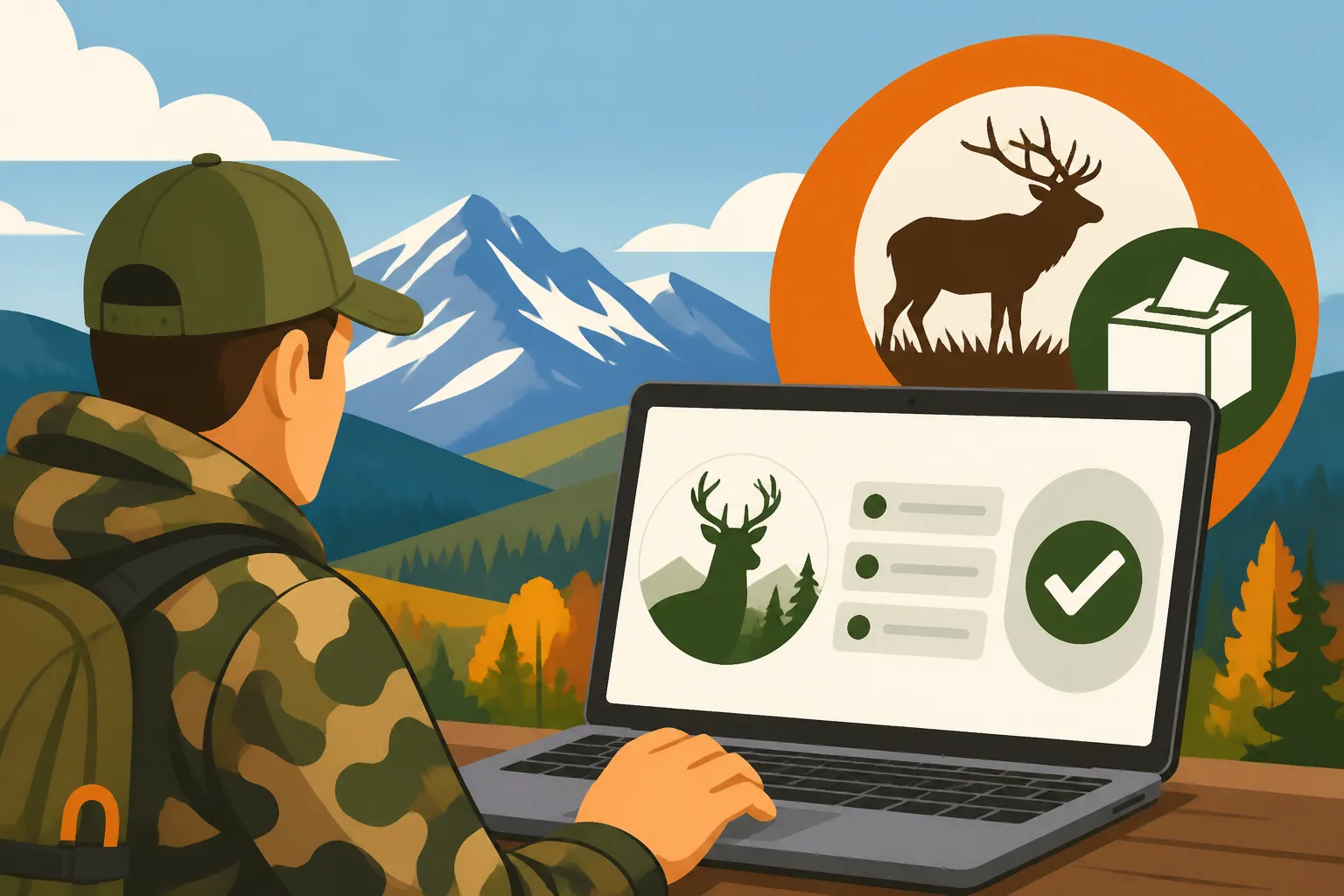
Log back into your CPW account on their official website. You're looking for a section usually labeled something like "Buy and Apply" or "Licenses & Applications." Within that, you'll want to find the link specifically for "Big Game Draw Applications" or "Primary Draw." It’s important not to confuse this with "Over-the-Counter (OTC) Licenses" or "Leftover Licenses" which are separate processes. The primary draw is for those highly sought-after limited tags that require preference points or luck.
Once you click on the big game draw application, the system will often ask you to confirm your identity again or select the hunter for whom you are applying (if you're applying for yourself, you'll select your own profile). Pay close attention to the deadlines for the primary draw, which typically fall in early April. Missing this deadline means you miss out on all the limited opportunity tags for the year, leaving you with only OTC or leftover options. Our guide on Colorado Big Game Draw Deadlines provides all the crucial dates.
Step-by-Step Application Process for Different Species
The online portal will guide you through adding applications for each species you wish to hunt. You can apply for elk, deer, pronghorn, and bear in the primary draw. You'll typically apply for them one at a time. Let's break down a common scenario for an elk application:
- Select Species: You’ll choose "Elk" from a dropdown menu.
- Hunt Code Selection: This is the most critical part. You'll need to enter a 4- or 5-digit hunt code that specifies the Game Management Unit (GMU), the sex of the animal (bull, cow, either-sex), and the specific weapon/season (e.g., archery, muzzleloader, 1st rifle). This is where your pre-draw research comes in. Websites like GoHunt and CPW's own draw statistics are invaluable here. Many hunters spend hours poring over data to choose their primary, secondary, and tertiary choices. For a deep dive into these codes, check out our article on Colorado Hunt Codes Explained.
- Preference Point Options: This is a vital decision point.
- "Apply for a License": This is what you select if you genuinely want to draw a tag this year using your accumulated preference points or by relying on pure luck if you have zero points. The system will automatically use your highest preference point balance for that species.
- "Apply for a Preference Point Only": If you know you don't have enough points for your desired unit or you just want to build points for a future dream hunt, you select this. This ensures you gain a point for the year without risking drawing a tag you don't want or can't use. Understanding How Colorado Preference Points Work is key to this decision.
- Second, Third, Fourth Choices (If Applicable): For some species and hunt codes, you can list up to four choices. This means if you don't draw your first choice, the system will automatically try to fulfill your second, then third, and so on. This is where you might put down less desirable but still huntable units or cow tags to increase your chances of coming home with some meat. Be careful though: never list a choice you wouldn't be genuinely happy to draw.
- Review and Add to Cart: After selecting your choices, you'll review them carefully. The system will also calculate the fees, including the non-refundable application fee for each species, which you can learn more about in Colorado Draw Application Fees Explained. Once confirmed, you'll add the application to your "cart" to continue adding other species or proceed to checkout.
This process repeats for each species (deer, pronghorn, bear) you wish to apply for.
Understanding Hunt Codes and Preference Points in the Online System
The real "brain drain" of the Colorado primary draw is often in the research phase before you even touch the online application. This is where you decide what to apply for, and the CPW online portal will merely be the vessel for those decisions.
Deciphering the Hunt Code Structure
Colorado hunt codes are incredibly specific, much like a serial number for your hunt. They typically break down like this:
- First 2-3 Digits: Game Management Unit (GMU) number (e.g., GMU 43, GMU 61).
- Next Digit: Species code (e.g., 1 for elk, 2 for deer).
- Next Digit: Sex/Type (e.g., 0 for either sex, 1 for antlered/buck/bull, 5 for antlerless/doe/cow).
- Final Digits: Season and weapon type (e.g., A for archery, M for muzzleloader, 1R for 1st rifle).
So, a code like 431A might mean "GMU 43, Elk, Either-Sex, Archery." A code like 611R might be "GMU 61, Elk, Bull, 1st Rifle." The online application interface will usually have dropdowns or search functions to help you find these codes, but it’s best to have them written down from your research. You don’t want to be fumbling around on the last day of the draw trying to figure out if you want a 431A or a 430A.
Strategic Use of Preference Points
Preference points are Colorado's system for giving priority to hunters who have been unsuccessful in drawing a limited license in previous years. For most big game species, you accumulate one point for each year you apply and are unsuccessful (or if you apply for a "point only"). The more points you have, the better your odds of drawing a highly coveted tag.
When you enter your hunt choices online, the system automatically factors in your preference points. If you have enough points for your first choice, it will typically be awarded to you. If not, it moves to your next choice, and so on. If you apply for a "point only," the system simply adds a point to your record for that species without attempting to draw a tag.
It's critical to understand the concept of "point creep," where the number of points required to draw certain units slowly increases over time as more hunters accumulate points. This is why tools like GoHunt's Insider service are popular; they provide detailed draw odds and unit breakdowns to help you make informed decisions about when to apply for a tag versus when to build points. You might have 5 points for elk, but that dream unit in GMU 76 now takes 10 points for a non-resident, so you might opt to build another point this year. This is a big part of the strategy when planning your hunt, as detailed in our guide on How Many Preference Points for Colorado Elk.
Reviewing and Submitting Your Application
You've done the hard work of research, setting up your account, and entering your hunt codes. Now comes the final, crucial step: reviewing everything one last time before hitting that submit button. This is not the time to rush!
Double-Checking All Entries for Accuracy
Before you finalize your order and pay, the CPW online system will present you with a summary of your application. Treat this like your final exam. Check every single detail:
- Your Personal Information: Is your name spelled correctly? Is your address current?
- Species Applied For: Did you apply for elk when you meant deer, or vice-versa?
- Hunt Codes: Are the hunt codes exactly what you intended? A single digit difference can mean applying for the wrong unit, wrong sex, or wrong season. Many hunters have inadvertently applied for a cow tag when they wanted a bull tag, or for a unit they've never scouted, all because of a simple typo in the hunt code.
- Preference Point Selection: Did you select "Apply for License" or "Apply for Point Only" as intended for each species?
- Fees: Are the application fees correct? Remember, these are typically non-refundable.
Understanding Payment and Confirmation
Once you're absolutely sure everything is correct, you'll proceed to the payment section. You'll typically pay with a credit or debit card. The system will charge the non-refundable application fee(s) upfront. For the actual tag cost, Colorado's system works a bit differently. They do not charge your card for the full license amount unless you are successfully drawn. Instead, they "encumber" or authorize the full license amount on your card. This means the funds need to be available, but they won't actually be debited until draw results are released and you're successful. This can be a point of confusion for many.
After successful payment of the application fees, you will receive a confirmation email. DO NOT DELETE THIS EMAIL. This confirmation serves as your proof of application. If there are any issues later, this email and your transaction history in your CPW account are your primary records. You can also log back into your CPW account at any time to view your application history and check its status before the draw results are released, typically in late May or early June. Checking your draw results is a whole other process, which we cover in How to Read Colorado Draw Results.
Here's a quick reference table for common application types and their intent:
| Application Type | Primary Goal | Preference Point Impact | Key Consideration |
|---|---|---|---|
| Apply for a License (1st Choice) | Draw a specific limited license this year | Points used if successful | High points needed for popular units; no guarantee. |
| Apply for a License (Subsequent Choices) | Draw a less desired, but acceptable, tag | Points used if successful | Ensure all choices are acceptable to hunt. |
| Apply for a Preference Point Only | Build points for a future, higher-priority hunt | Gain 1 point; no tag drawn | Ideal if current points are insufficient for dream unit. |
| Group Application | Hunt with a buddy or family member | Points averaged (check rules) | Lowest point individual determines group's point level. |
Successfully navigating the online primary draw isn't just about clicking buttons; it's about meticulous preparation, understanding the rules, and careful execution. Take your time, do your homework, and you'll be well on your way to a successful Colorado big game season.
Disclaimer
Please be aware that hunting regulations and application processes, including those for the Colorado primary draw, can change. Always consult the official Colorado Parks and Wildlife (CPW) website and their current year's big game brochure for the most up-to-date and accurate information before applying. This guide is for informational purposes only and does not replace official CPW resources.